
Why print-on-demand designs need transparency
Print-on-demand services print exactly what’s in your file. If your design has a white or grey box behind it, that box gets printed too: a white rectangle on a black T-shirt, or a grey square on a mug.
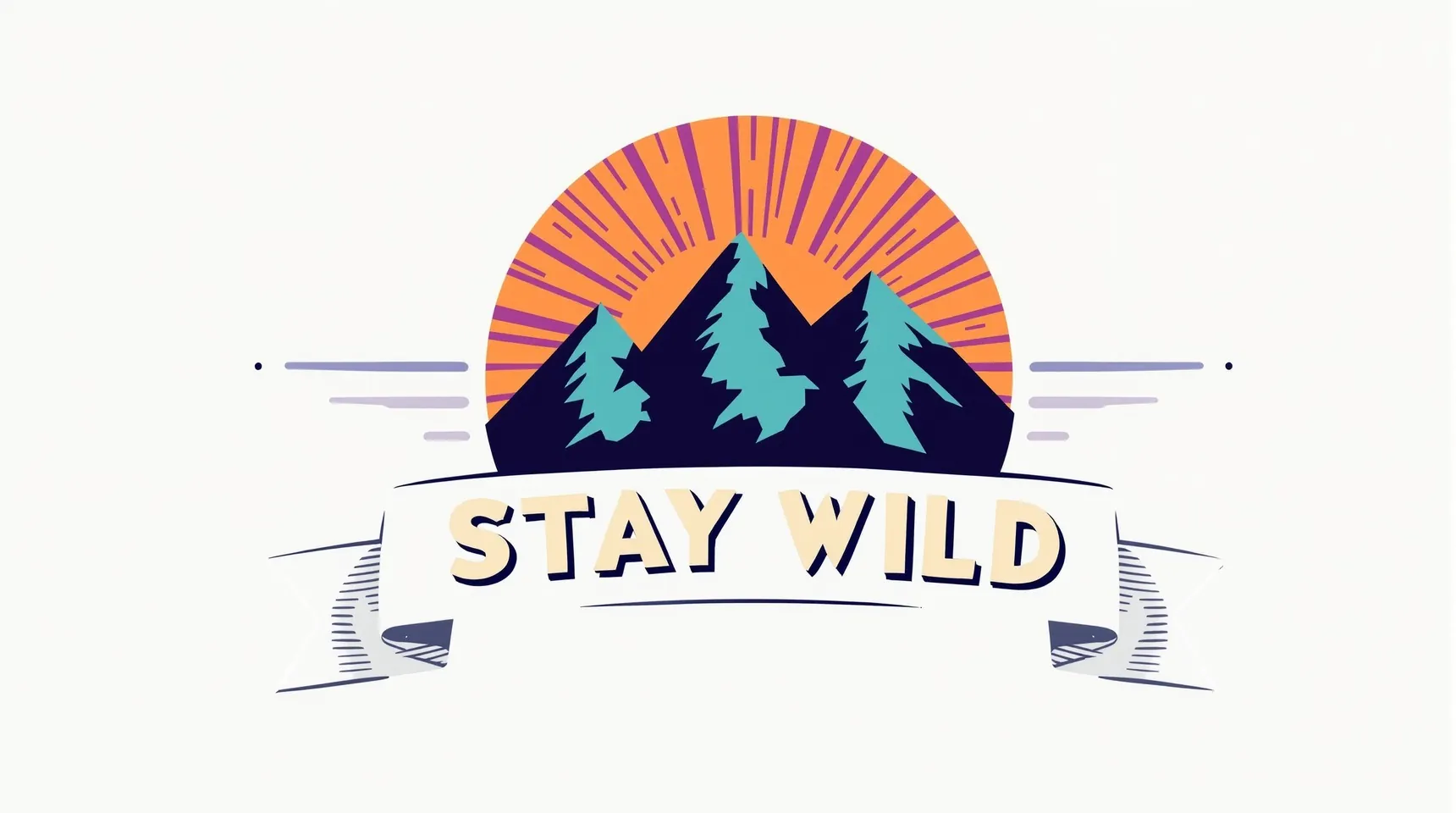
A transparent PNG prints only the design itself, so the colour of the shirt or the mug shows around it, and one file works on every product colour.
Designs often reach you without transparency: a drawing photographed on paper, an image exported as JPG, or a design generated on a plain background. Removing the background turns any of those into a print-ready PNG.
How to prepare a design for print
- Upload the largest version of the design you have, on a plain background.
- Check the gaps inside letters and shapes, like the middle of an O, on both the black and the white background.
- Leave the background transparent and download the PNG.
- Upload it to your print-on-demand service and preview it on a light and a dark product.
Tips for print-ready designs
- Start from the highest resolution you can. iLoveRemoveBG keeps up to 4096 pixels on the long side, and some services ask for more, like 4500 × 5400 pixels for a full-front shirt on Amazon’s Merch on Demand, so check yours and upscale if needed.
- Soft or semi-transparent parts of a design, like a glow or a watercolour wash, can partly disappear. Bold, solid designs come through cleanest.
- Look for leftover background inside closed shapes. Those small pockets are the likeliest place for a stray patch.
- Keep the transparent PNG as your master file and export product-specific sizes from it.
Frequently asked questions
Will the background print if I don’t remove it?
Yes. Print-on-demand services print everything in your file, so a white background prints as white and shows on any coloured product.
How big is the PNG?
The same size as your upload, up to 4096 pixels on the long side. If your service needs a bigger file, upscale the transparent PNG afterwards.
Can I remove the background from a hand drawing?
It works best with bold lines on plain, evenly lit paper. Faint pencil lines can fade or be lost, so view the result on the black background before you print it.
Can I sell products with designs I cut out here?
The cut-out is yours to use, but you still need the rights to the design itself. Only use artwork you made or are licensed to sell.