
Why the background matters in an Etsy shop
On Etsy, your first photo is your shop window. It shows up small in search results next to a dozen similar items, and shoppers decide in a glance whether to click.
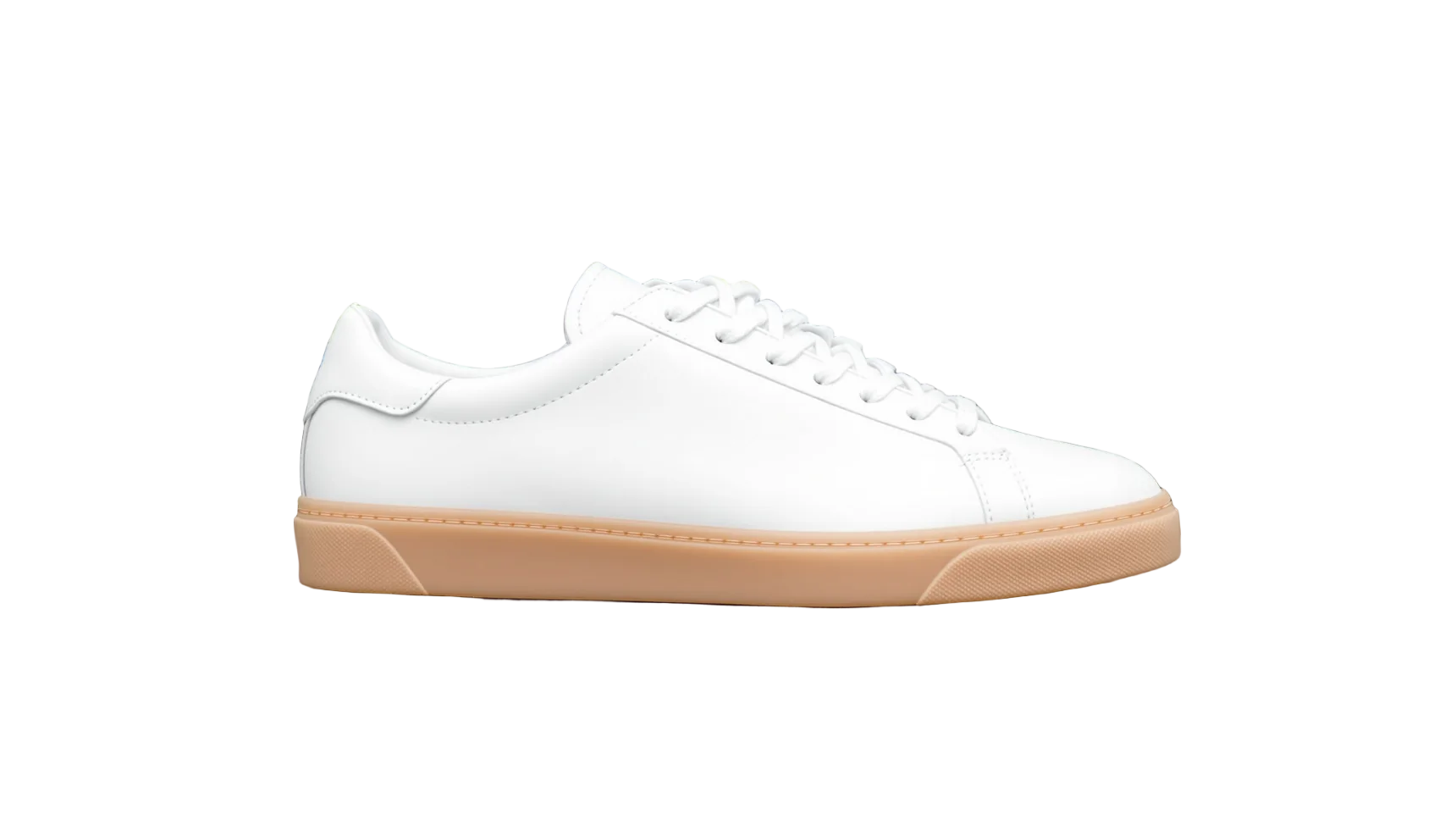
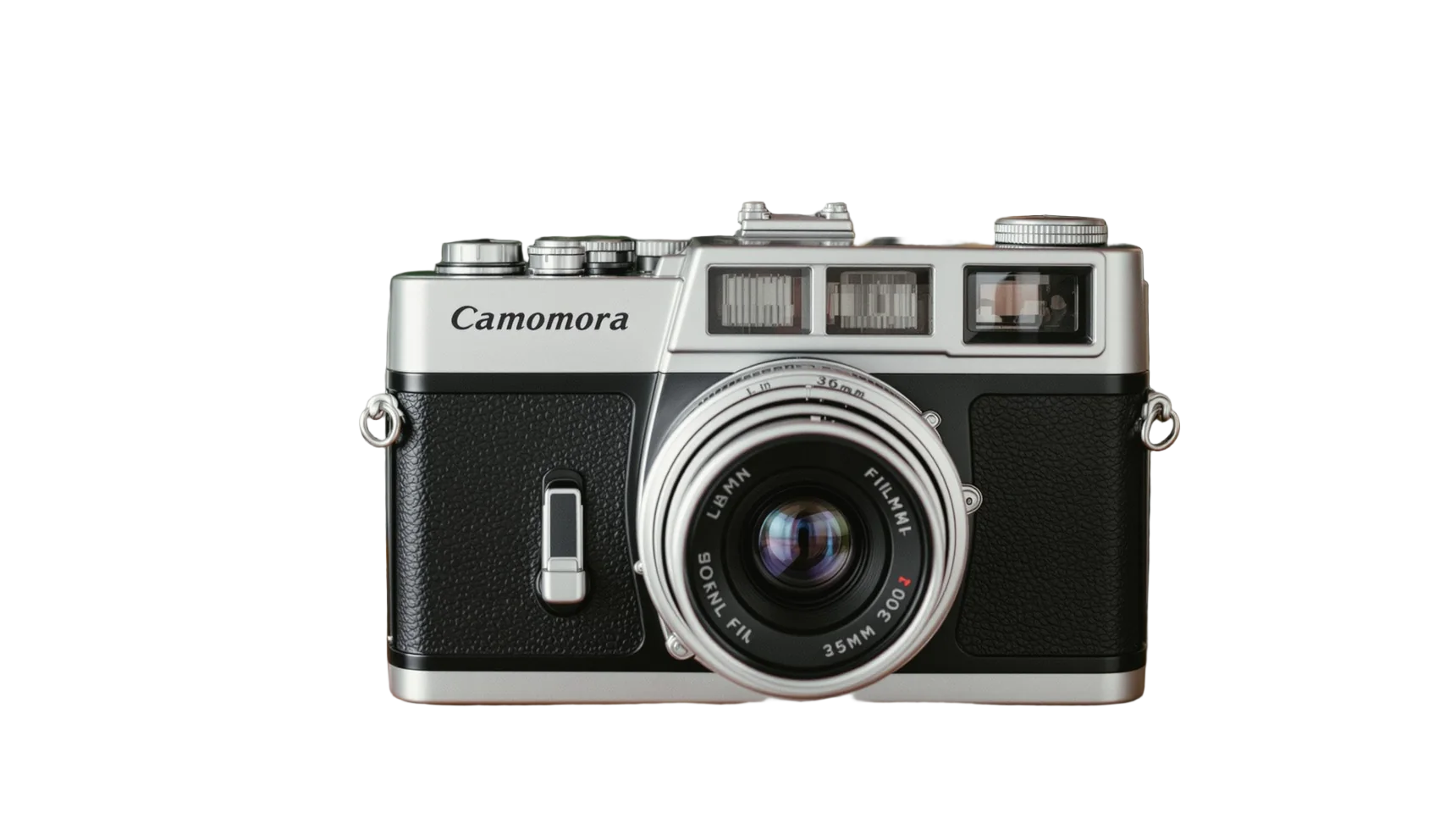
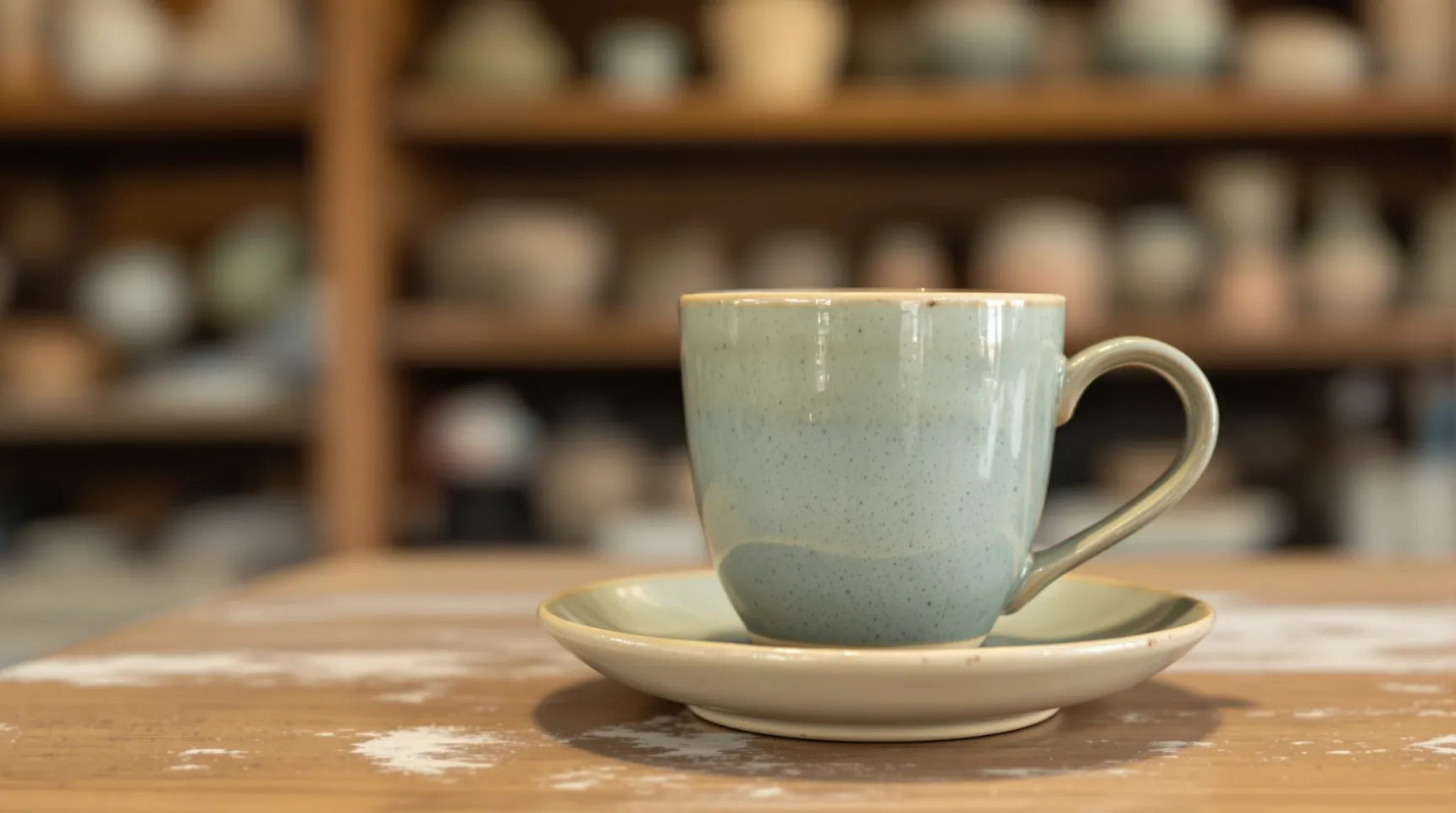
Makers often photograph where they make: a workbench, a studio shelf, a kitchen table. That’s honest, and in-context shots belong in your listing, but a clean cut-out as the first photo makes the product easy to read at thumbnail size.
It also helps your shop look like a collection. When every first photo sits on the same background colour, the shop page looks deliberate, even if the photos were taken months apart in different light.
A cut-out also rescues photos you already have. Older listings shot on a busy table can get a cleaner first photo without a reshoot, which helps with one-of-a-kind pieces you can’t easily photograph again.
How Etsy sellers use iLoveRemoveBG
- Take your photo wherever the light is best, without worrying about what’s behind the item, and upload it.
- Choose a background that suits your shop: white, a soft grey, or one brand colour you use for every first photo.
- Download the PNG and add it as the first photo of your listing.
- Keep the original, in-context photo for the second or third slot, so shoppers also see the item in use.
Tips for a cohesive Etsy shop
- Pick one background colour for all your first photos and note its colour code, so you can match it every time.
- Etsy crops first photos into thumbnails, so keep the item centred with room around it.
- Shoot small pieces like jewellery close up so they fill the frame, and the cut-out keeps their detail.
- Don’t cut out everything. One clean shot plus real-life photos usually tells the story better than five cut-outs.
Frequently asked questions
Is iLoveRemoveBG free for Etsy sellers?
Yes. You can remove the background from up to 50 photos a day without paying or signing up, and the downloads have no watermark.
Can I use a coloured background instead of white?
Yes. Pick any colour with the colour picker before you download. Plenty of Etsy shops use one soft brand colour for every first photo.
Does it work for jewellery?
For most pieces, yes. Fine chains are the hardest part, so photograph them on a plain, contrasting background and check the result closely.
Can I use the cut-outs commercially?
Yes. You keep all rights to your photos and results, for personal and commercial use.