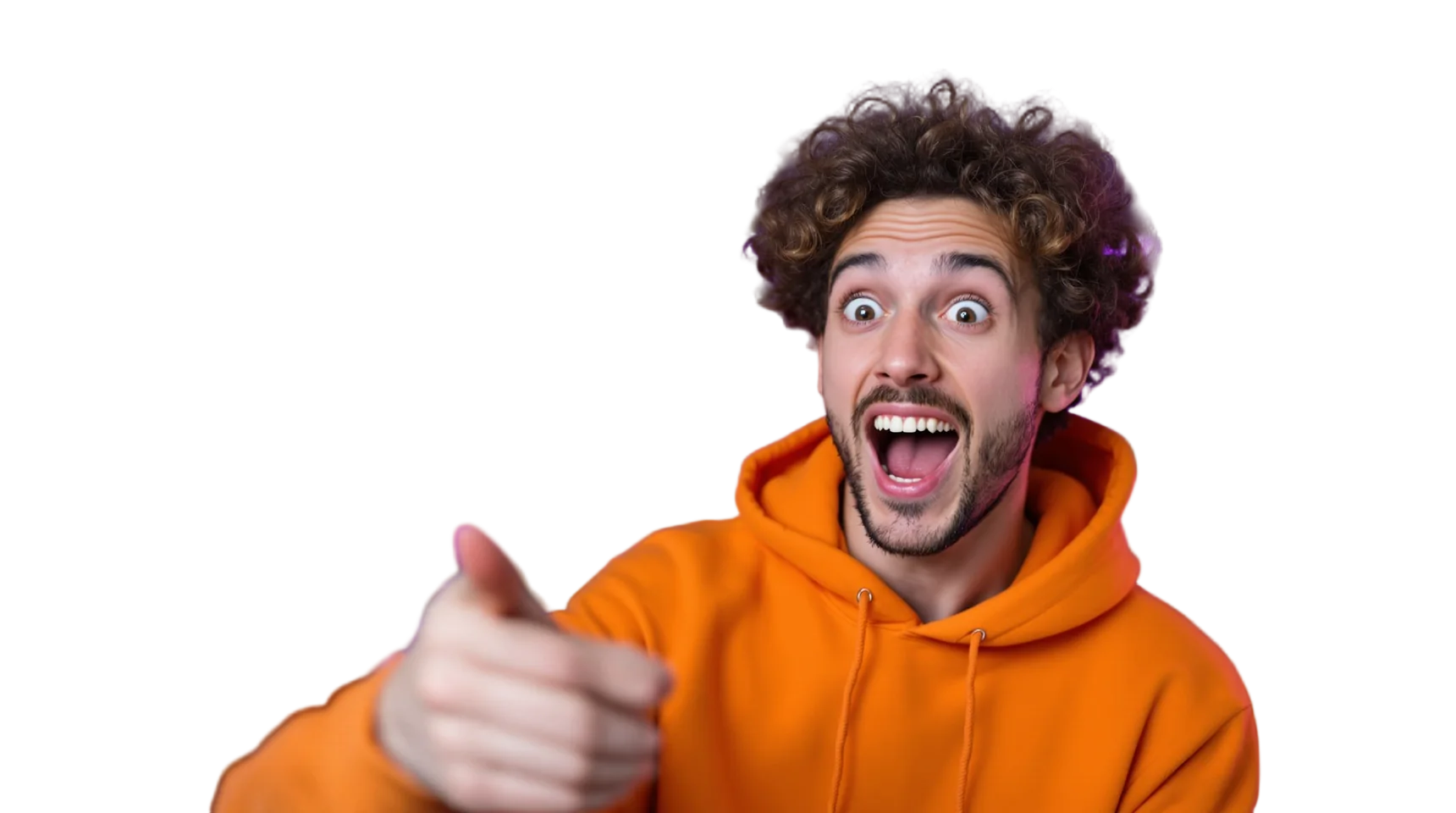
Why creators cut themselves out
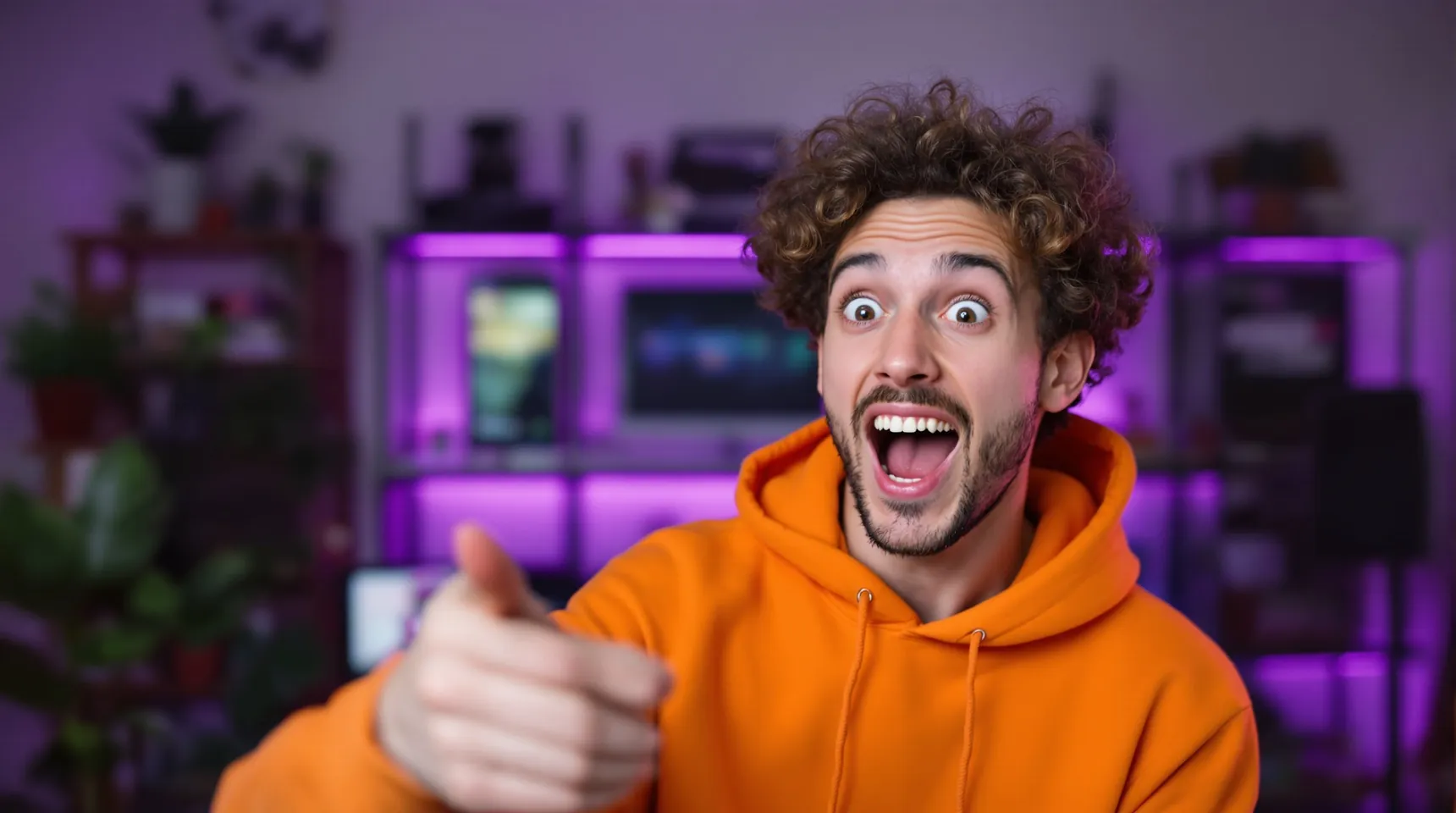
The classic thumbnail is a big, expressive face next to a few bold words. That only works when your face sits on a clean, high-contrast background instead of the room you filmed in.
Cut-outs are reusable. One good photo of you pointing, laughing or looking shocked can go on thumbnails, channel art, posts and overlays for months.
The details that matter most are hair, fingers and headphones, all thin shapes against a busy room. They’re kept, while the LED strips, shelves and posters behind you are cleared away.
It’s also simpler than a green screen. A green screen needs space, even lighting and a setup you take down again. A cut-out works from any photo taken at your desk, with no green spill on your hair or the edges of your hoodie to clean up.
How to make a thumbnail cut-out
- Take a photo of your pose, or grab a sharp frame from your video, and upload it.
- Keep the checkerboard, meaning no background at all, and download the PNG.
- Place it in your thumbnail design in Canva, Photoshop or any editor, on top of your background and text.
- Add an outline or a drop shadow around yourself in the editor to make the cut-out pop.
Tips for thumbnails that stand out
- YouTube recommends thumbnails of 1280 × 720 pixels, so design and export at that size.
- Exaggerate the expression. Thumbnails are seen small, and subtle faces don’t read.
- Light your face from the front and keep the room behind you darker. The cut-out comes out cleaner and your face stays bright.
- Shoot a series of poses in one session, cut them all out, and keep them in a folder for future videos.
- Save your cut-outs as PNG, never JPG. JPG can’t store transparency, so a JPG copy brings back a white box behind you.
Frequently asked questions
Can I cut myself out of a video frame?
Yes. Pause on a sharp frame, take a screenshot and paste it into iLoveRemoveBG with Ctrl+V. Motion blur softens edges, so choose a still moment.
Does it remove the background from videos?
No. iLoveRemoveBG works on still images: JPEG, PNG and WebP.
Is it free for a monetised channel?
Yes. There’s no paid plan and no watermark, and you can use your cut-outs anywhere, including commercially.
What size is the download?
The same as your photo, up to 4096 pixels on the long side, so even a 4K video frame keeps its full resolution.