Why dealers cut cars out of the forecourt
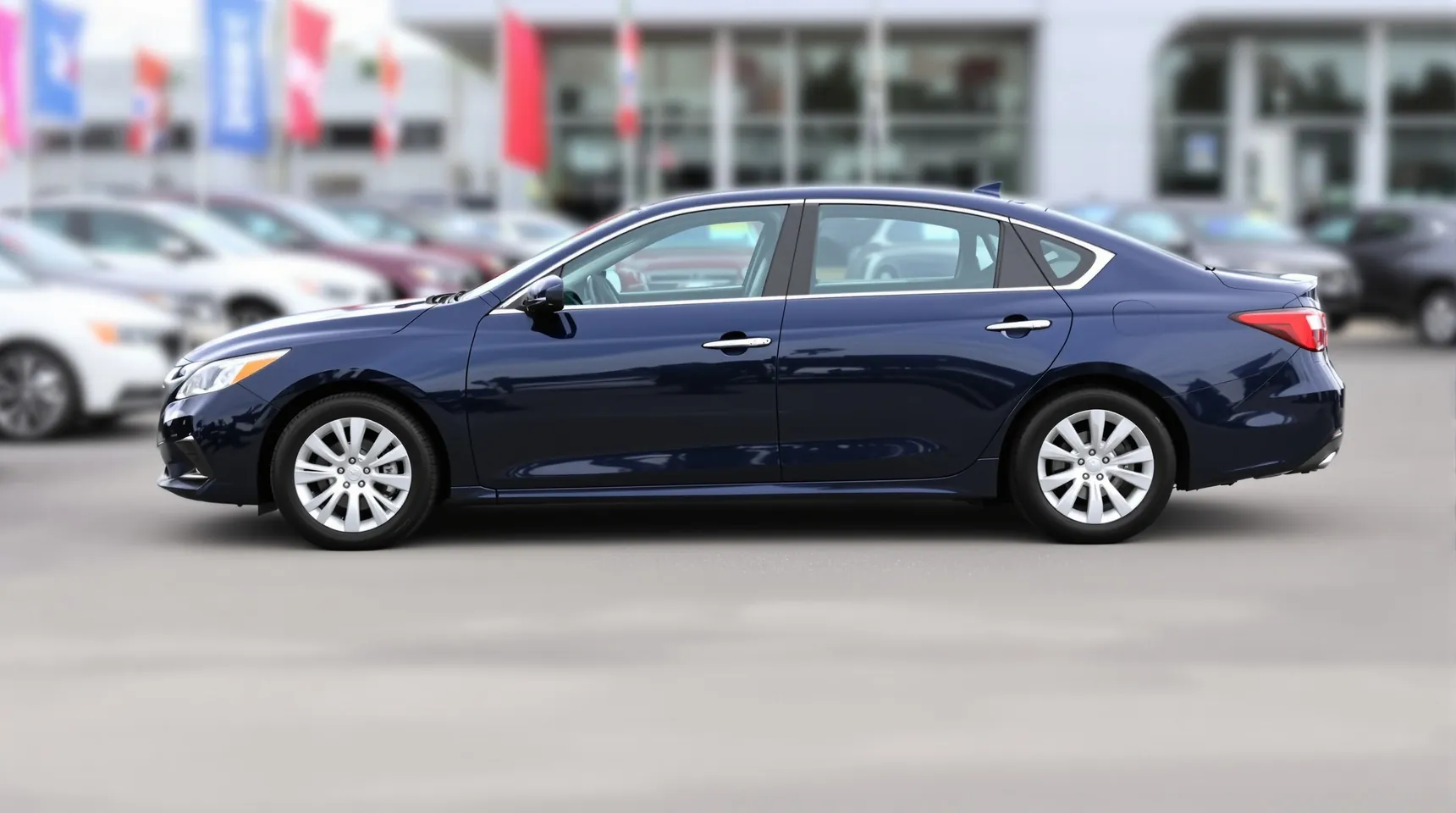
Buyers often shortlist a car from its first photo. On a busy lot, that photo also shows neighbouring cars, signs, flags and whatever the weather was doing that day.
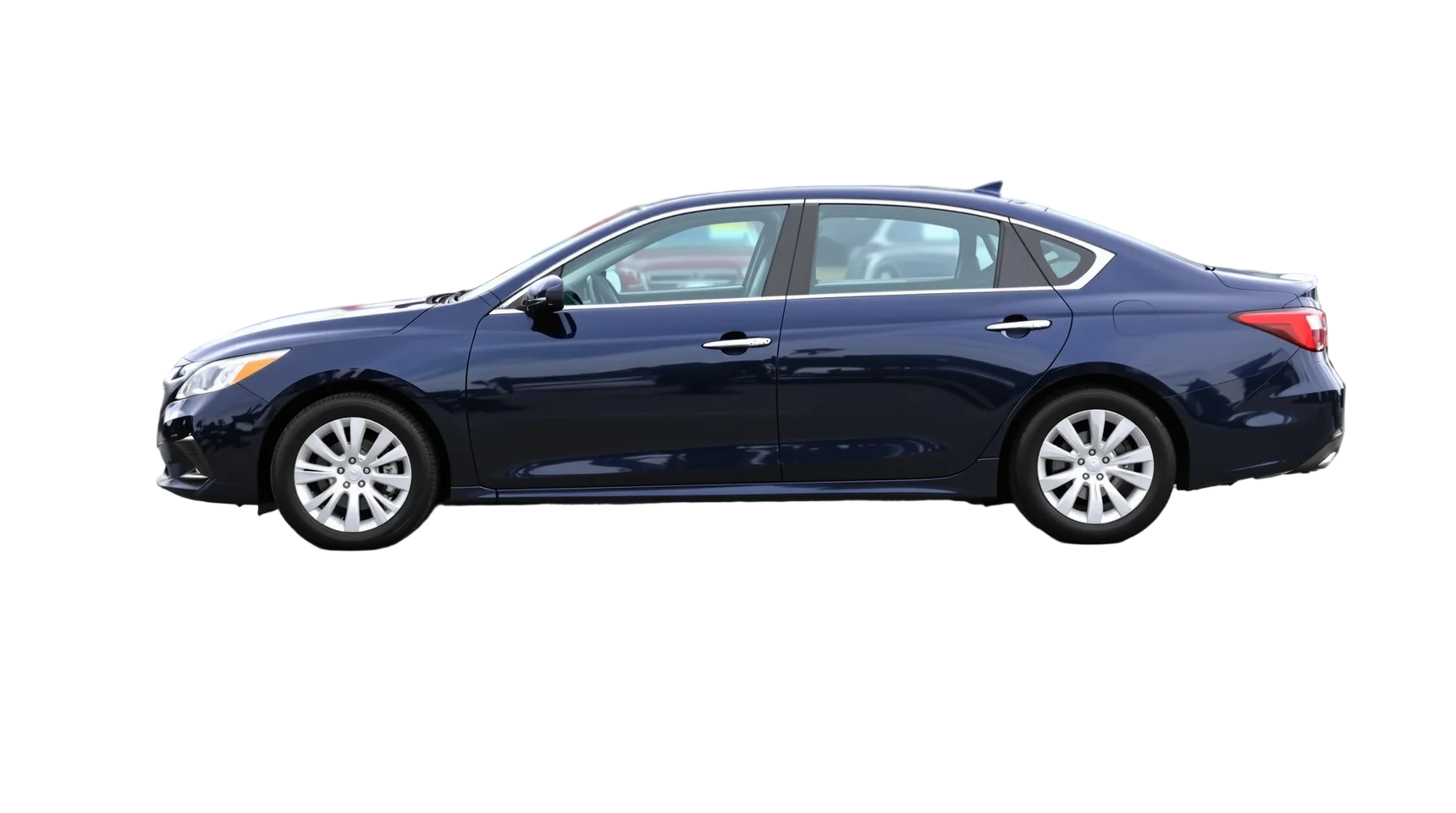
A clean background makes your whole stock list consistent, whether a car was photographed in sun, rain or the shade of the showroom. Every car is shown the same way, so buyers compare the cars and nothing else.
It also saves moving cars around. Instead of driving each one to a clear spot or a photo booth, you photograph it where it’s parked and remove the background afterwards.
There’s nothing to install on the showroom computers, either. Whoever takes the photos can cut them out on a phone or a laptop, and the PNG is ready for your website or listing software straight away.
How to prepare stock photos
- Photograph each car from the same angle, three-quarter front or side-on, and upload the photo.
- Check the result around the mirrors, the aerial and the tyres.
- Choose white, grey or your dealership’s colour, and use the same one for every car.
- Download the PNG and add it as the lead photo, followed by your interior and detail shots.
Tips for consistent stock photos
- Shoot every car from the same height and distance so they line up in your listings.
- Clean the car first, and don’t shoot it touching another vehicle. The model has to tell where one car ends and the next begins.
- Windows keep a view of what was behind them. A plain wall or open sky behind the car makes that less noticeable.
- Many listing sites have their own photo rules, so check that they allow edited backgrounds before you upload.
Frequently asked questions
Can I process all my stock at once?
Not yet. iLoveRemoveBG handles one picture at a time, with up to 50 free each day, enough for lead photos of a few dozen cars.
Does it keep the car’s shadow?
Usually not. The shadow on the ground is removed with the background. Add a soft shadow in your editor if a car looks like it’s floating.
Can I add my dealership’s logo?
Not in iLoveRemoveBG. Download the PNG and add your logo in your usual editor or listing software.
Is it free for a dealership?
Yes. There’s no paid plan and no account, the results are yours to use commercially, and the only limit is 50 pictures a day.