Why the first photo matters on eBay
Your first photo is the one buyers see in search results, next to every other seller offering the same thing. A clean, uncluttered first photo is what earns the click.
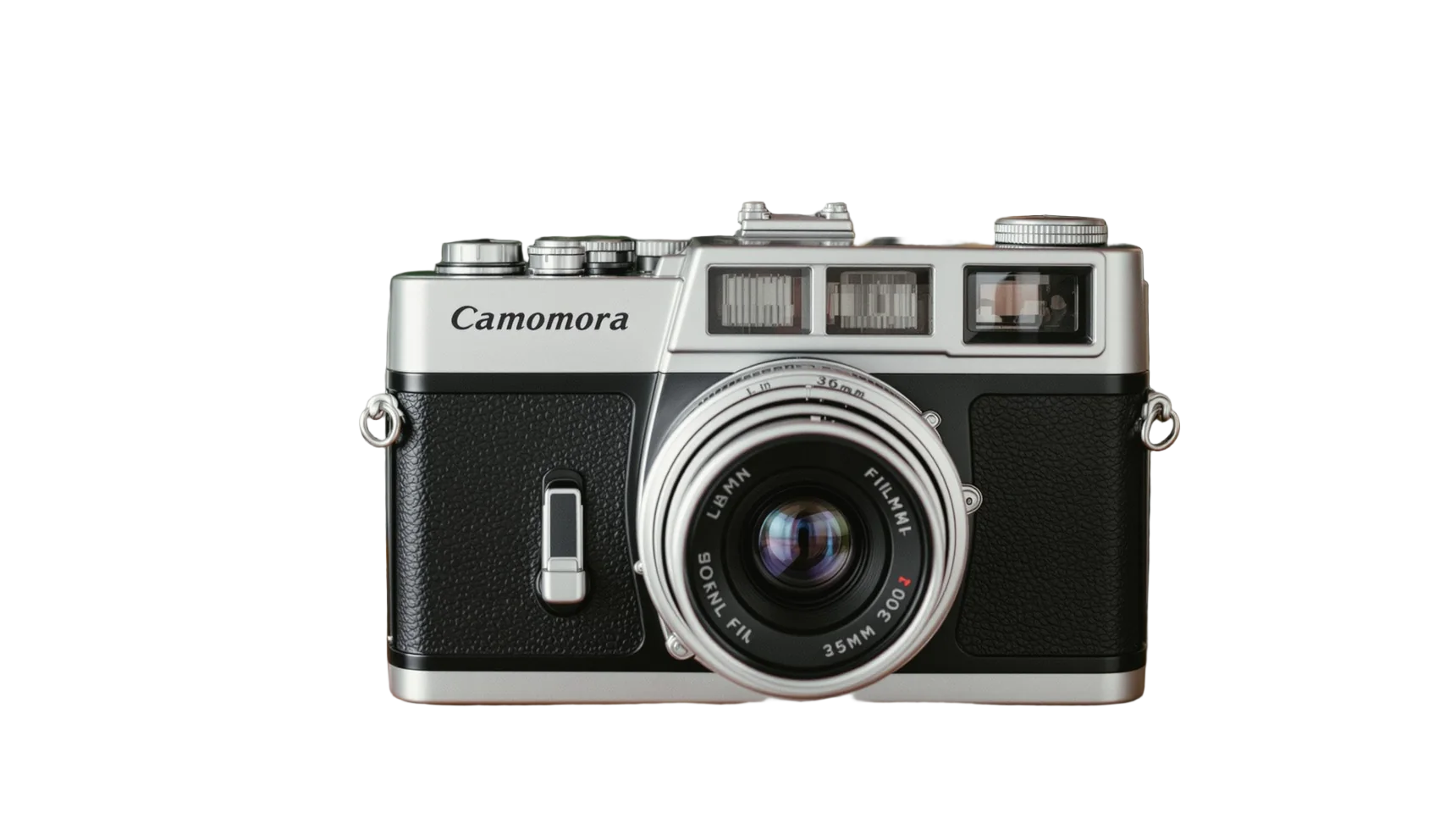
eBay’s own photo advice is to show items in an uncluttered space against a neutral backdrop. It says white backgrounds are generally best, while a darker background can suit shiny or reflective items like jewellery.
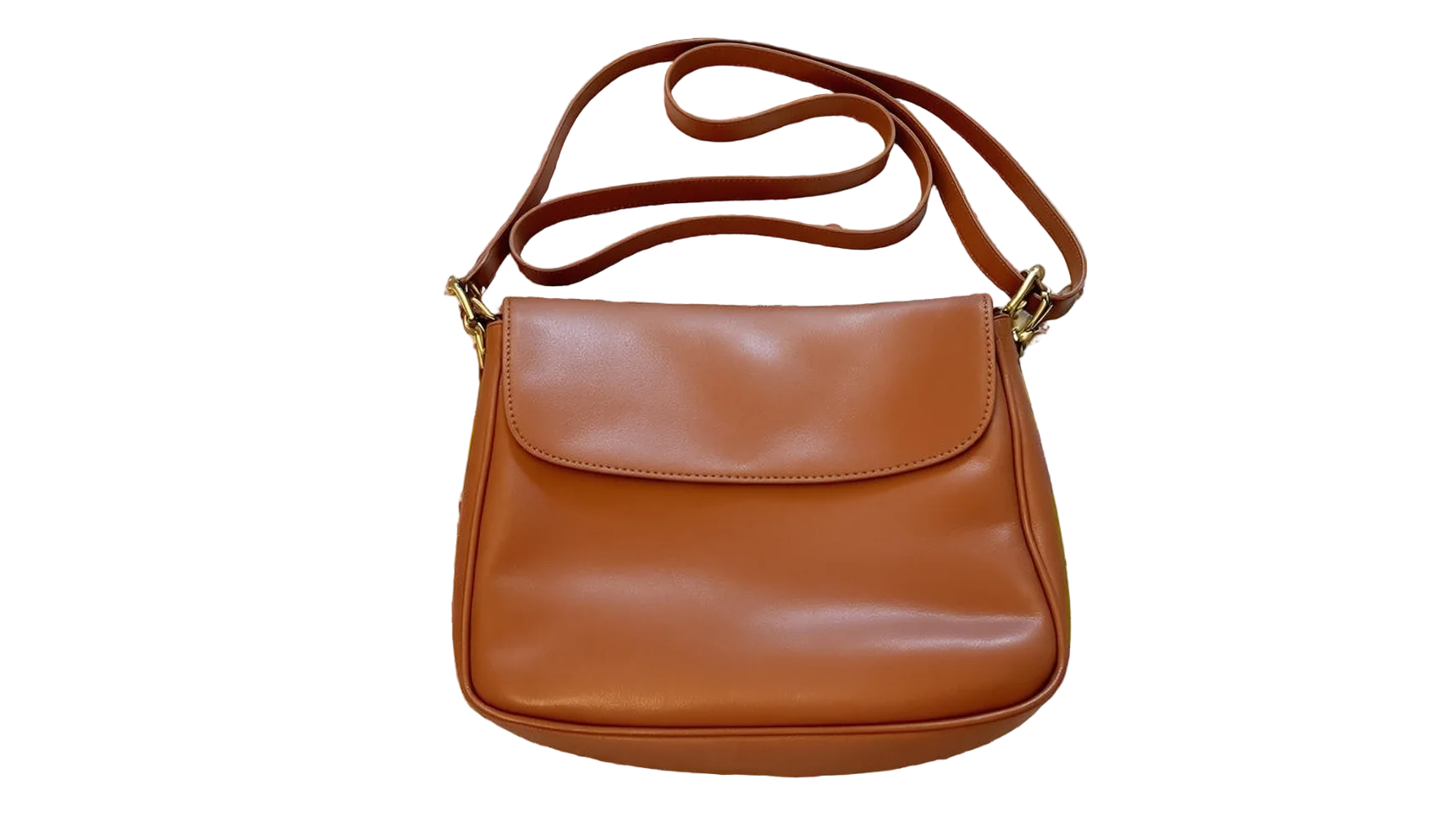
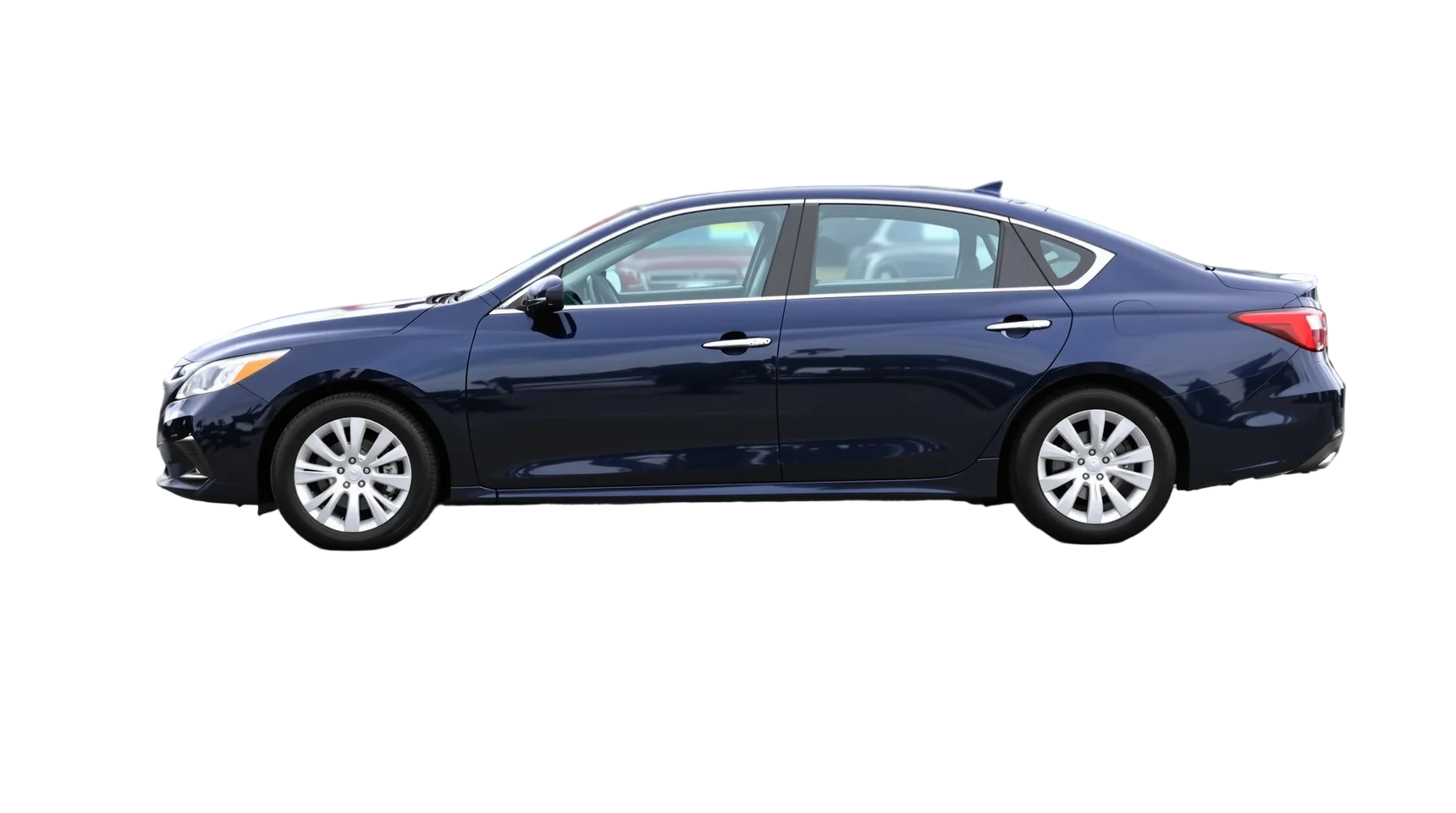
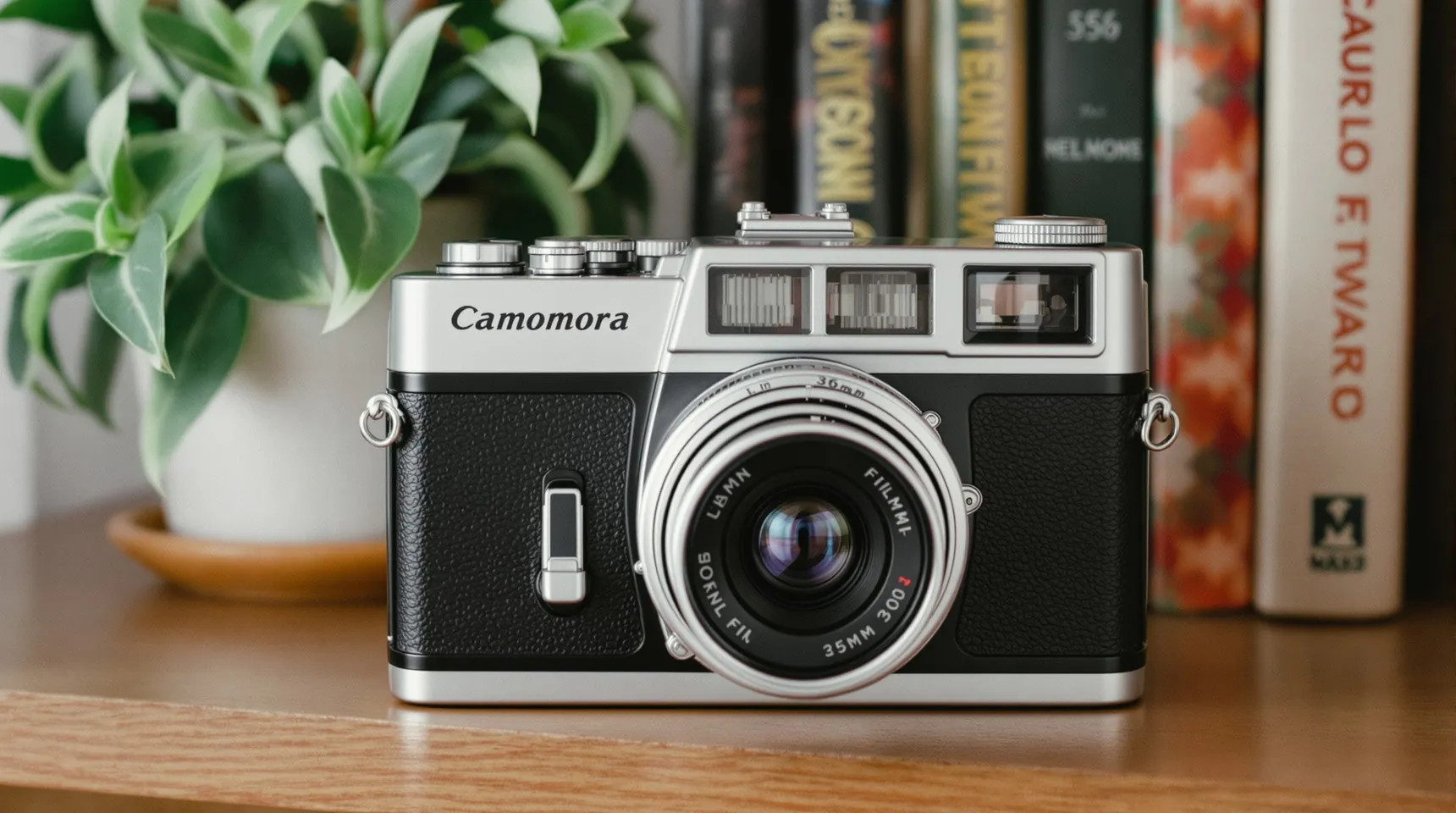
Most eBay sellers photograph at home, on a shelf or a table. Cutting the item out afterwards gives you the neutral backdrop without a studio, for a one-off sale or a regular shop alike.
A tidy first photo also builds trust. The real item on a clean background, followed by honest close-ups, looks like a seller who takes care, which matters when buyers can’t see the item before it arrives.
How to prepare an eBay photo
- Upload a photo that shows the whole item.
- Pick white, or black for shiny things like watches and jewellery.
- Download the PNG and make it the lead photo when you list the item.
- Add your other photos as they are: close-ups of labels, serial numbers and any wear or damage.
Tips for eBay listings that sell
- eBay needs photos of at least 500 × 500 pixels and recommends about 1600 × 1600. It says square or 16:9 photos look best in listings.
- Don’t add logos, badges or watermarks. eBay says added graphics can affect where your listing appears.
- For used items, show the real item in every photo and photograph any flaws honestly. A cut-out gives a clean first impression; it isn’t for hiding wear.
- Put a coin or a ruler in one photo if the item’s size isn’t obvious.
Frequently asked questions
What background does eBay recommend?
An uncluttered, neutral backdrop. eBay says white is generally best, though a darker background can suit shiny or reflective items.
Is it OK to use a cut-out for a used item?
Yes, as long as it’s a photo of the actual item. eBay doesn’t allow stock or catalogue photos for used items, so cut out your own photo rather than one from the web.
What size photos does eBay need?
At least 500 × 500 pixels, and eBay recommends about 1600 × 1600. You can add up to 24 photos to a listing, each under 12 MB.
Does iLoveRemoveBG add a watermark?
No. Downloads have no watermark, which matters on eBay, since it advises against adding watermarks to listing photos.