Why Amazon’s main image rule matters
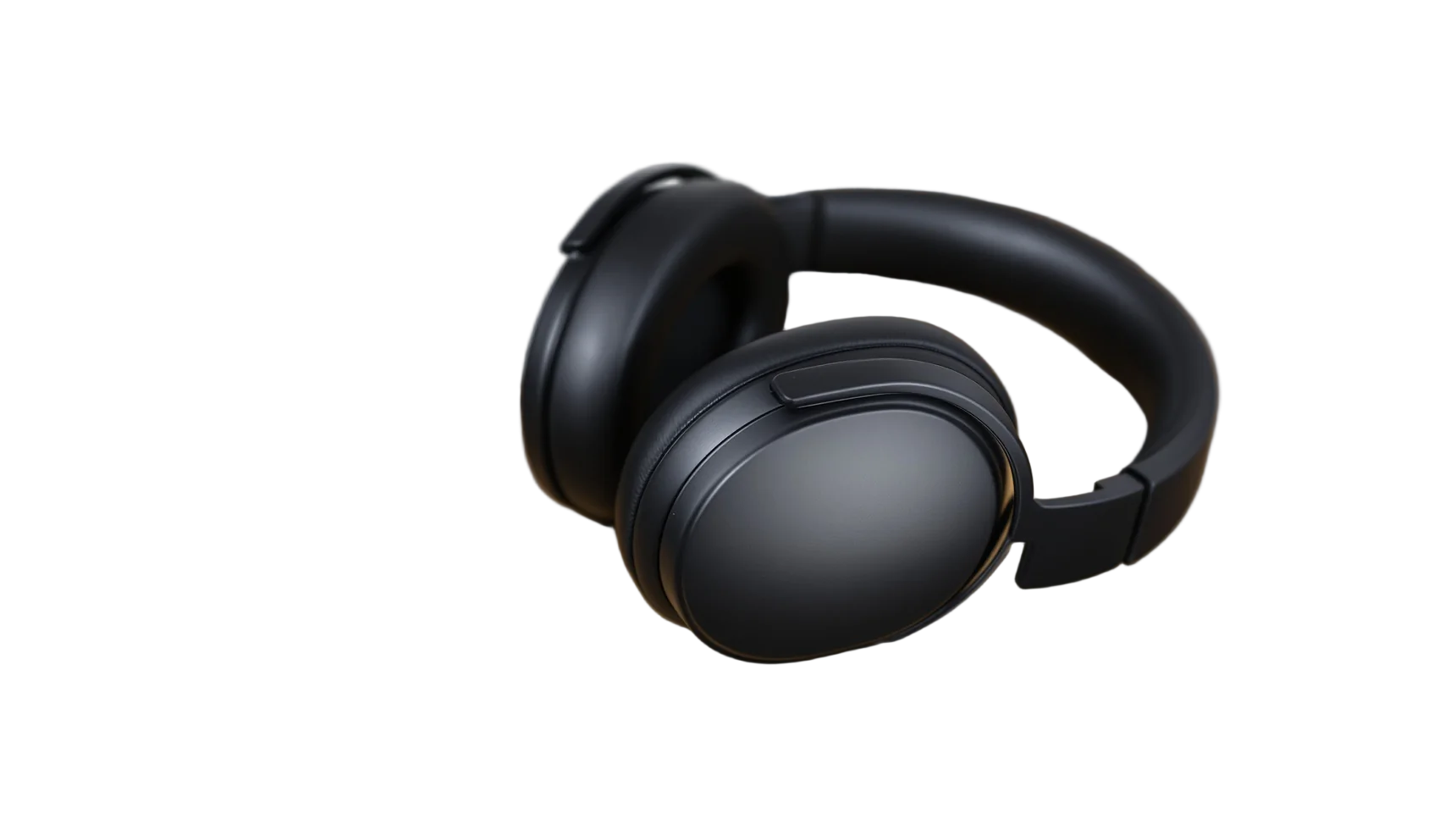
Amazon’s product image rules ask for the main image to show the product on a pure white background, RGB 255, 255, 255, with the product filling about 85% of the frame. Listings whose main image breaks the rules can be suppressed from search until it’s fixed.
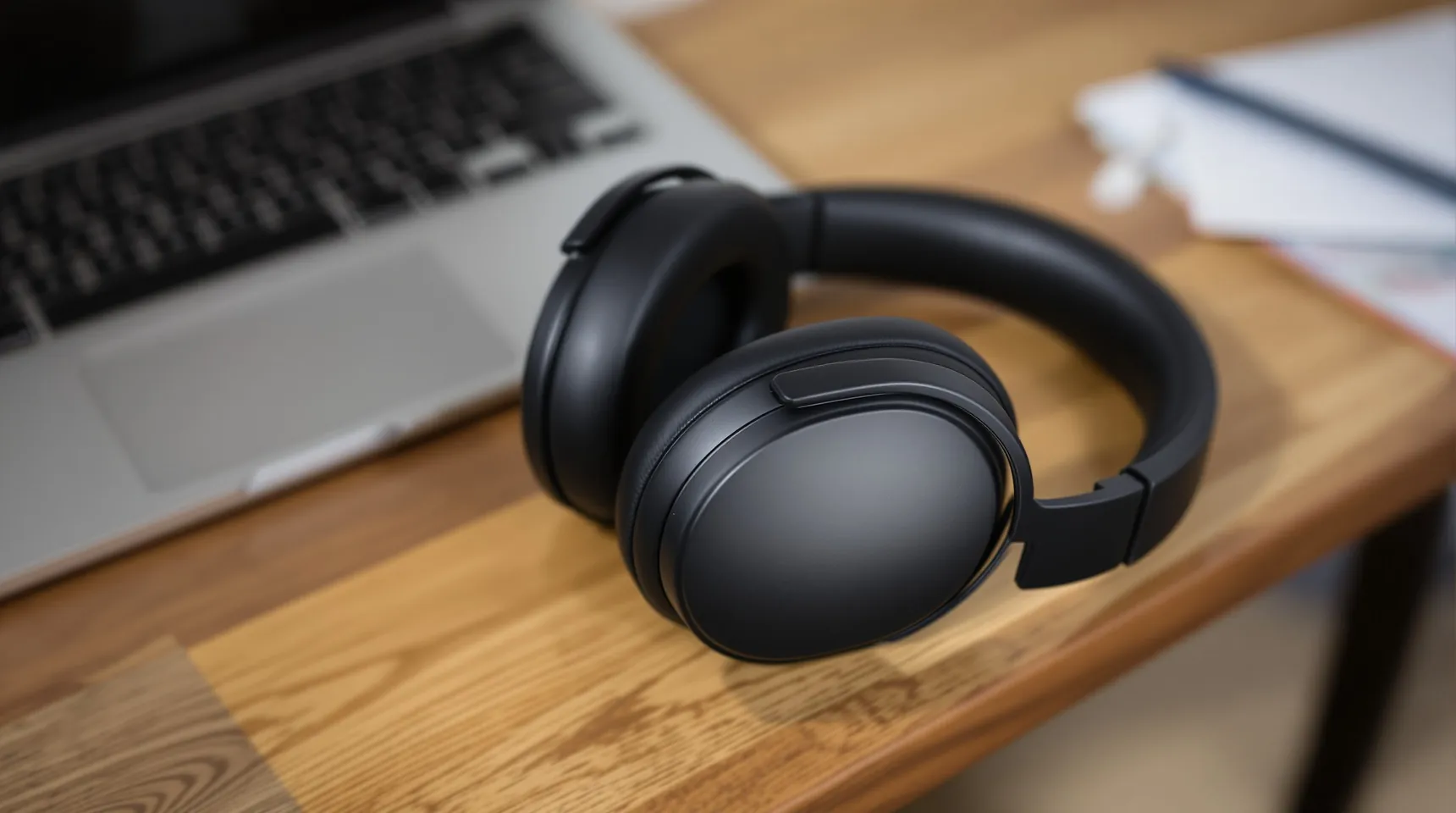
Photographing straight onto pure white takes a lightbox or a studio backdrop and careful lighting. A white sheet in an ordinary room comes out light grey. It’s usually quicker to shoot the product wherever it looks good and replace the background afterwards.
When you choose White in iLoveRemoveBG, the background is exactly RGB 255, 255, 255, not an off-white, so that part of the rule is taken care of.
Keep the transparent PNG as well as the white one. The same cut-out then works for A+ content, a lifestyle composite or an ad, without photographing the product again.
How to make an Amazon main image
- Upload a photo of the product on its own, with nothing else in the frame that you want to keep.
- Check that everything that belongs to the product, like a cable, a strap or a stand that comes in the box, was kept.
- Choose White and download the PNG.
- Crop it in an editor so the product fills about 85% of the frame, then upload it as your main image.
Tips for compliant Amazon images
- Leave props out of the main image. Amazon wants only what the buyer receives, and props and lifestyle shots can go in the other image slots.
- Make sure the photo is big enough. Images of 1000 pixels or more on the longest side let shoppers zoom in.
- Don’t add text, logos, badges or borders to the main image.
- Read Amazon’s current image requirements for your category in Seller Central. Some categories have extra rules.
Frequently asked questions
Is the white background pure white?
Yes. The White option fills the background with RGB 255, 255, 255, the exact white Amazon asks for.
Does iLoveRemoveBG crop the product to 85%?
No. It removes the background and keeps the photo’s frame as it was. Crop it afterwards so the product fills about 85% of the image.
Can I use it for my other images too?
Yes. Cut-outs on coloured backgrounds, or placed into lifestyle scenes, suit the other image slots, which don’t need white.
What size will the image be?
The same size as your photo, up to 4096 pixels on the long side, which is plenty for Amazon’s zoom.