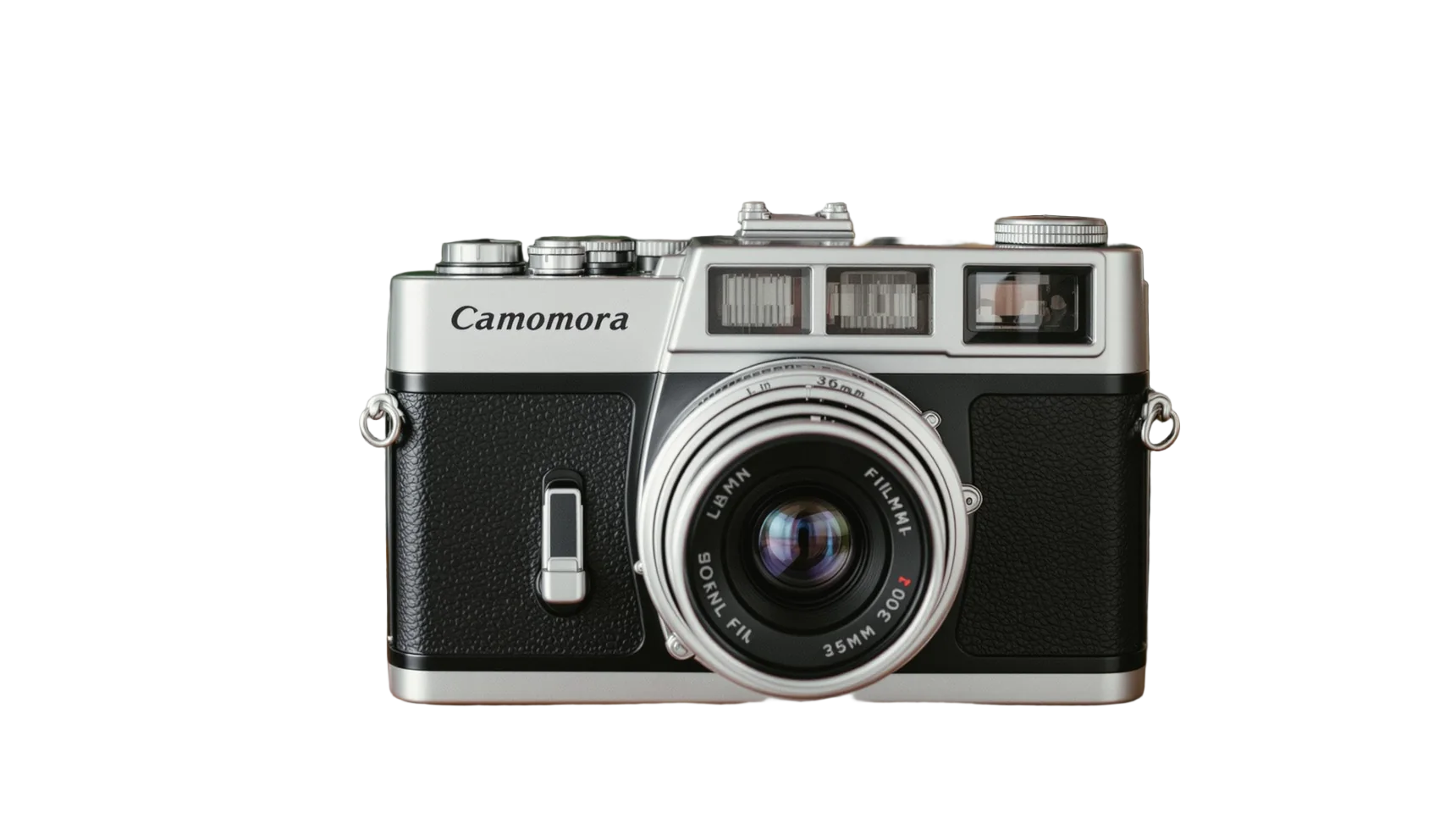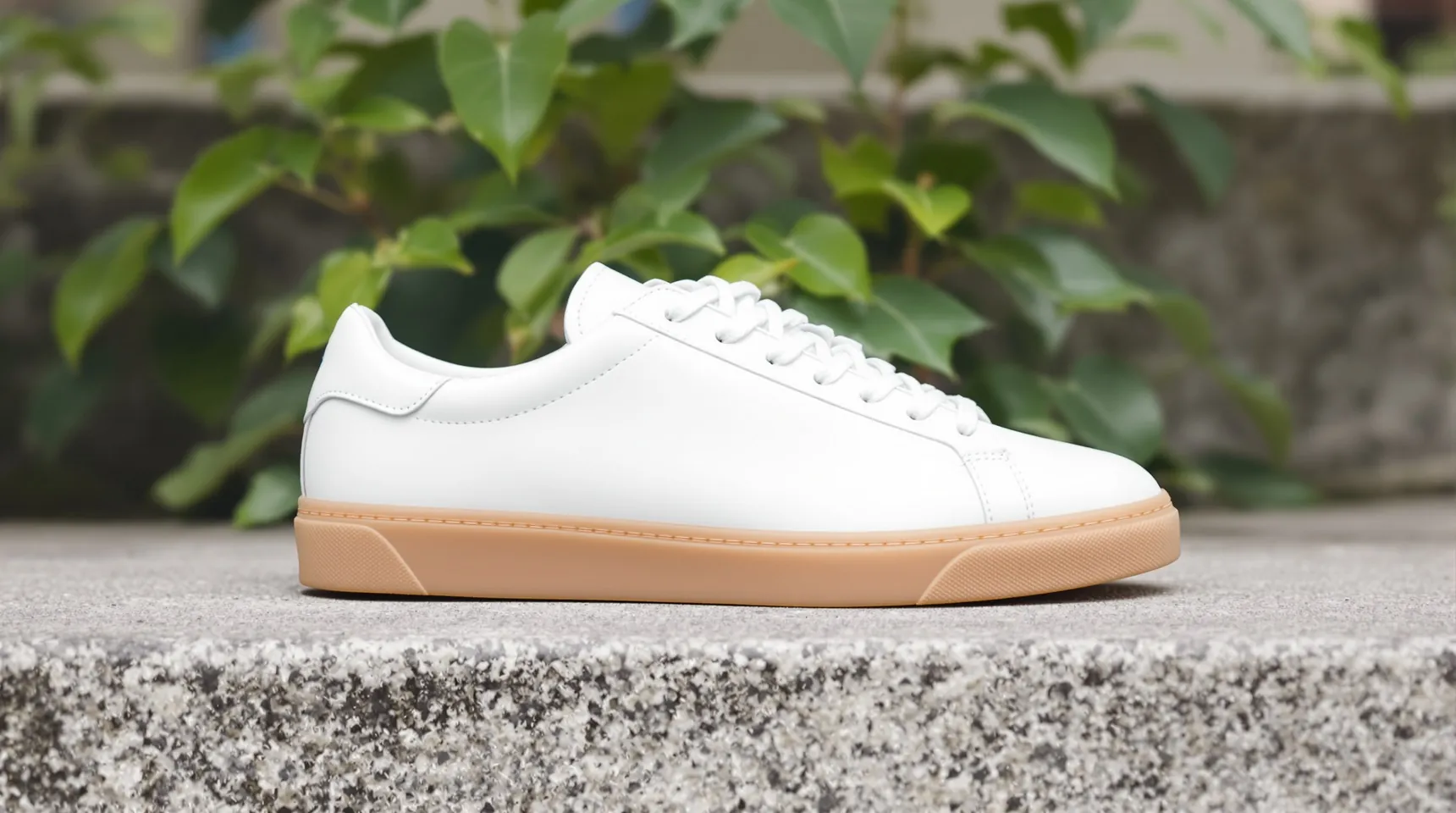
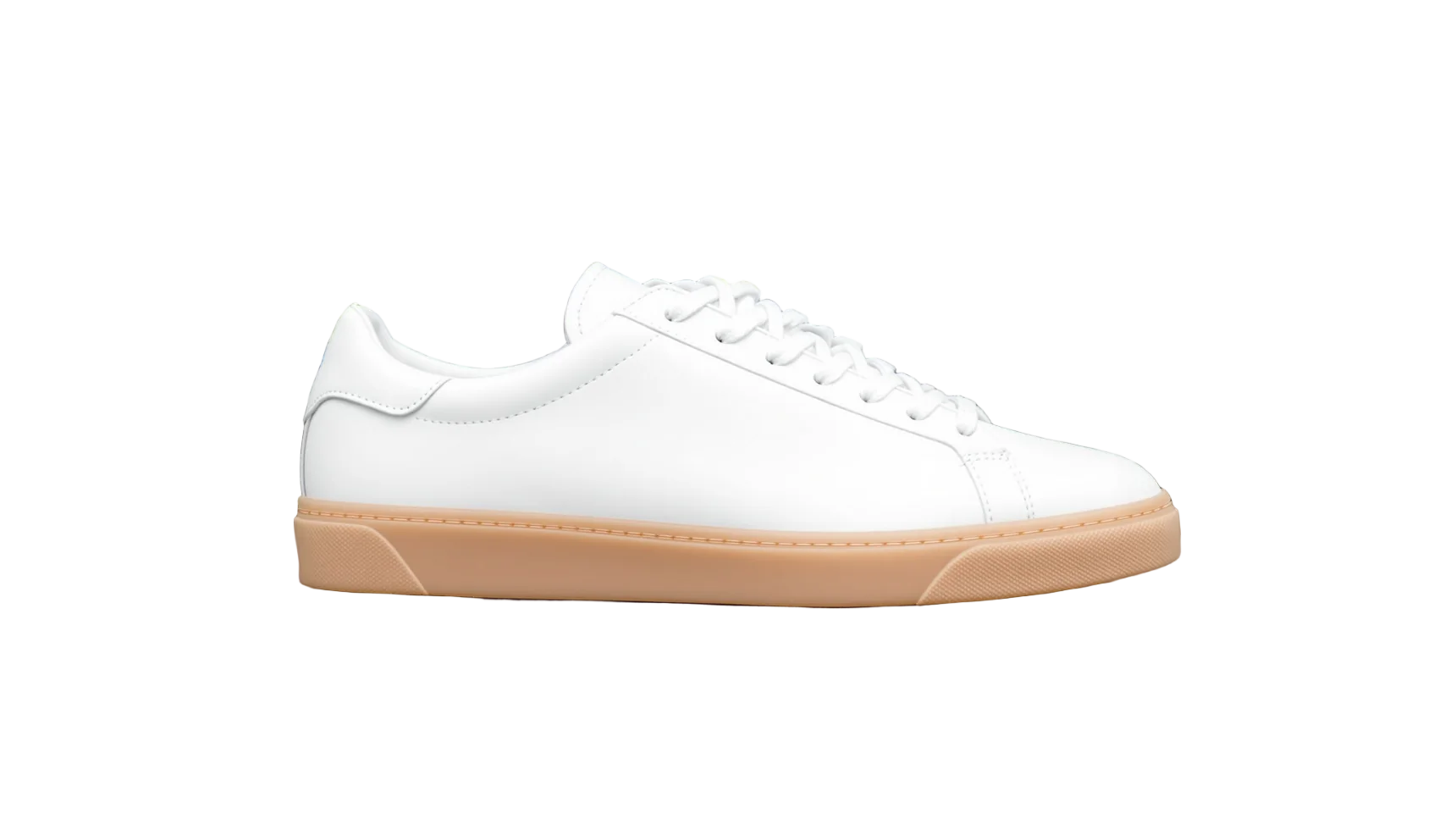
Why a consistent background matters on Shopify
A Shopify collection page shows your products in a grid. When the photos have different backgrounds and different crops, the grid looks uneven, and shoppers notice the photos before the products.
Shopify’s own advice is to use a consistent aspect ratio for your main product images, so they display at the same size. A consistent background is the other half of that: the same shape and the same colour, so the products are the only thing that changes.
Shopify says square product images of 2048 × 2048 pixels usually display best. iLoveRemoveBG keeps your photo at full size up to 4096 pixels on the long side, which leaves room to crop a square at that size.
It also makes a redesign easier. Keep a transparent PNG of every product, and when you change your theme’s background colour, you can put the whole catalogue on the new colour instead of reshooting it.
How to prepare Shopify product photos
- Upload a product photo. It can be taken anywhere, as long as the whole product is in the frame.
- Pick white, or the background colour your theme uses, so the image blends into the page.
- Download the PNG.
- Crop it to the same shape as your other main images, for example a 2048 × 2048 square, before uploading it to Shopify.
Tips for an on-brand Shopify catalogue
- Match the background to your theme. If your theme uses an off-white, enter that exact colour code in the colour picker instead of choosing pure white.
- Keep each product the same size in its frame, with similar space around it, so the grid looks even.
- Write alt text for every product image in Shopify. It helps shoppers using screen readers, and search engines too.
- Use the cut-out as the main image and put lifestyle photos further down the gallery.
Frequently asked questions
What size should Shopify product images be?
Shopify says square images of 2048 × 2048 pixels usually display best. Product images can be up to 5000 × 5000 pixels or 25 megapixels, and under 20 MB.
Does iLoveRemoveBG connect to my Shopify store?
No. It’s a website: you upload a photo, download the PNG and add it to Shopify yourself. There’s no app to install and nothing to connect.
Can I process my whole catalogue?
One picture at a time, up to 50 a day for free. For a large catalogue, spread it over a few days, starting with your best-sellers.
Is it free for a business?
Yes. There’s no paid plan, no account and no watermark, and the results are yours to use commercially.