Why product photos need a clean background
Shoppers compare products side by side, and a busy background competes with what you’re selling. A plain backdrop puts the attention on the shape, the colour and the label, and it makes a whole catalogue look like it belongs together even when the photos were taken on different days.
Most small shops don’t have a studio. The table by the window gives the best light, but it also brings the wall, the kettle and the edge of a chair into the frame. Cutting the product out afterwards is quicker than building a set for every shot.
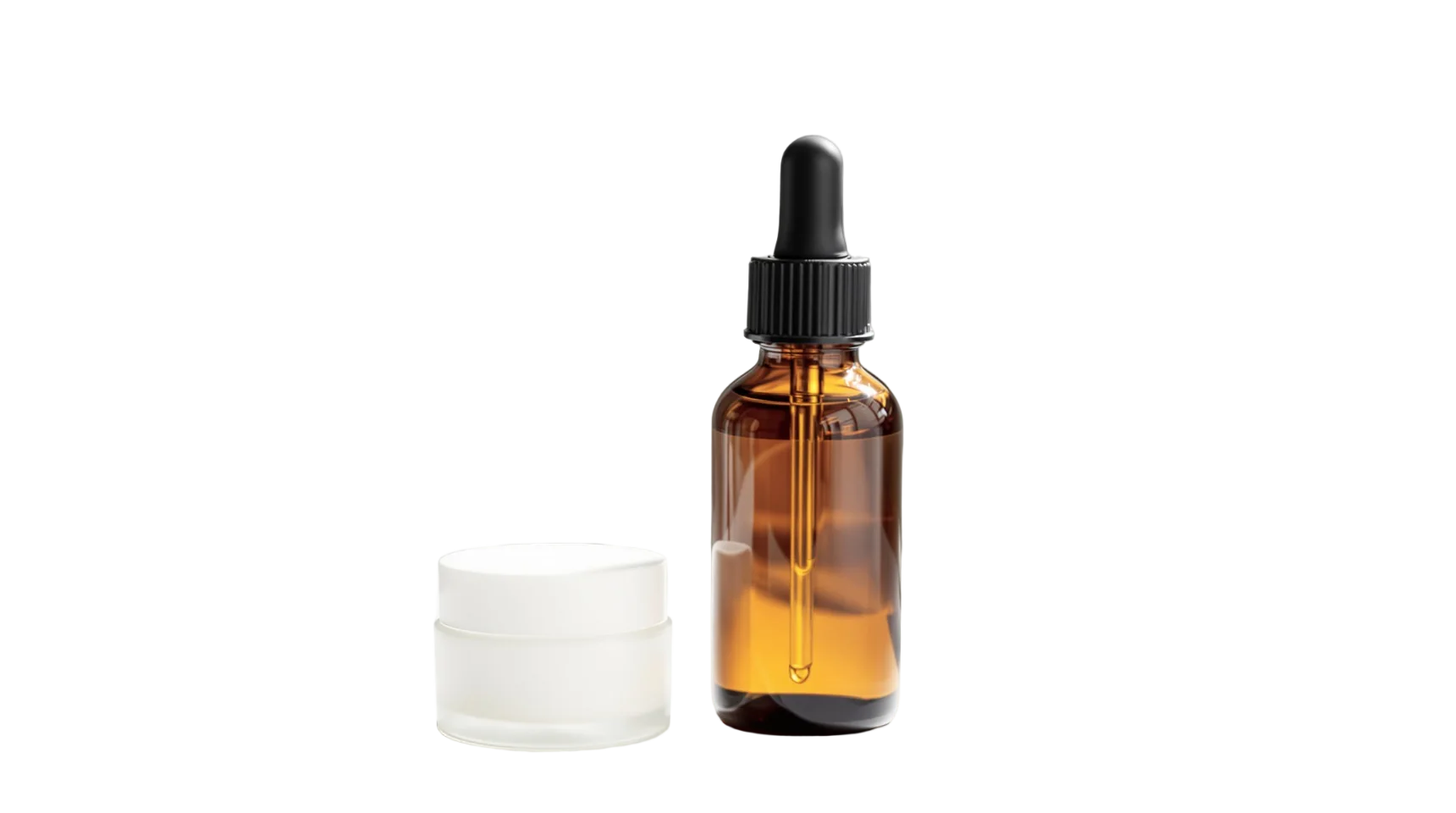
The hard parts are the edges: glass that lets the counter show through, a dropper only a few pixels wide, the soft shadow under a jar. iLoveRemoveBG keeps your photo at full size, up to 4096 pixels on the long side, so the cut-out still holds up when a shopper zooms in.
How to cut out a product photo
- Click Upload Image, drop the photo onto the page, or paste it with Ctrl+V. JPEG, PNG and WebP files up to 30 MB work.
- Wait a few seconds while the background is removed, then switch between Background removed and Original to check the edges.
- Leave it transparent for your designer or website, or pick white, light grey or your brand colour.
- Click Download PNG. There’s no watermark and no account to create.
Tips for product shots that cut out cleanly
- Shoot against a wall that’s a different colour from the product. A white bottle on a white wall is harder to separate than a white bottle on a blue one.
- Use soft, even light from a window, or a lamp bounced off the ceiling. Hard shadows on the backdrop can be mistaken for part of the product.
- Fill the frame. The more pixels the product takes up, the more detail its edges keep.
- Leave a little space on every side, so nothing is cropped off before you cut it out.
- With several products in one shot, check that the cut-out kept all of them. If one went missing, photograph them separately.
Frequently asked questions
Can I put my product on a white background?
Yes. Once the background is removed, pick White under the picture and download. You get a PNG with a pure white background instead of a transparent one.
Is it free for a whole catalogue?
You can cut out up to 50 pictures a day for free, one at a time, with no sign-up. The count starts again every day at midnight UTC.
Does it keep the full resolution?
Yes, up to 4096 pixels on the long side. Bigger photos are scaled down to 4096 pixels first.
Will it remove the shadow under my product?
Usually, along with the rest of the background. If you want a shadow, add one in your editor once the product is on its new background.