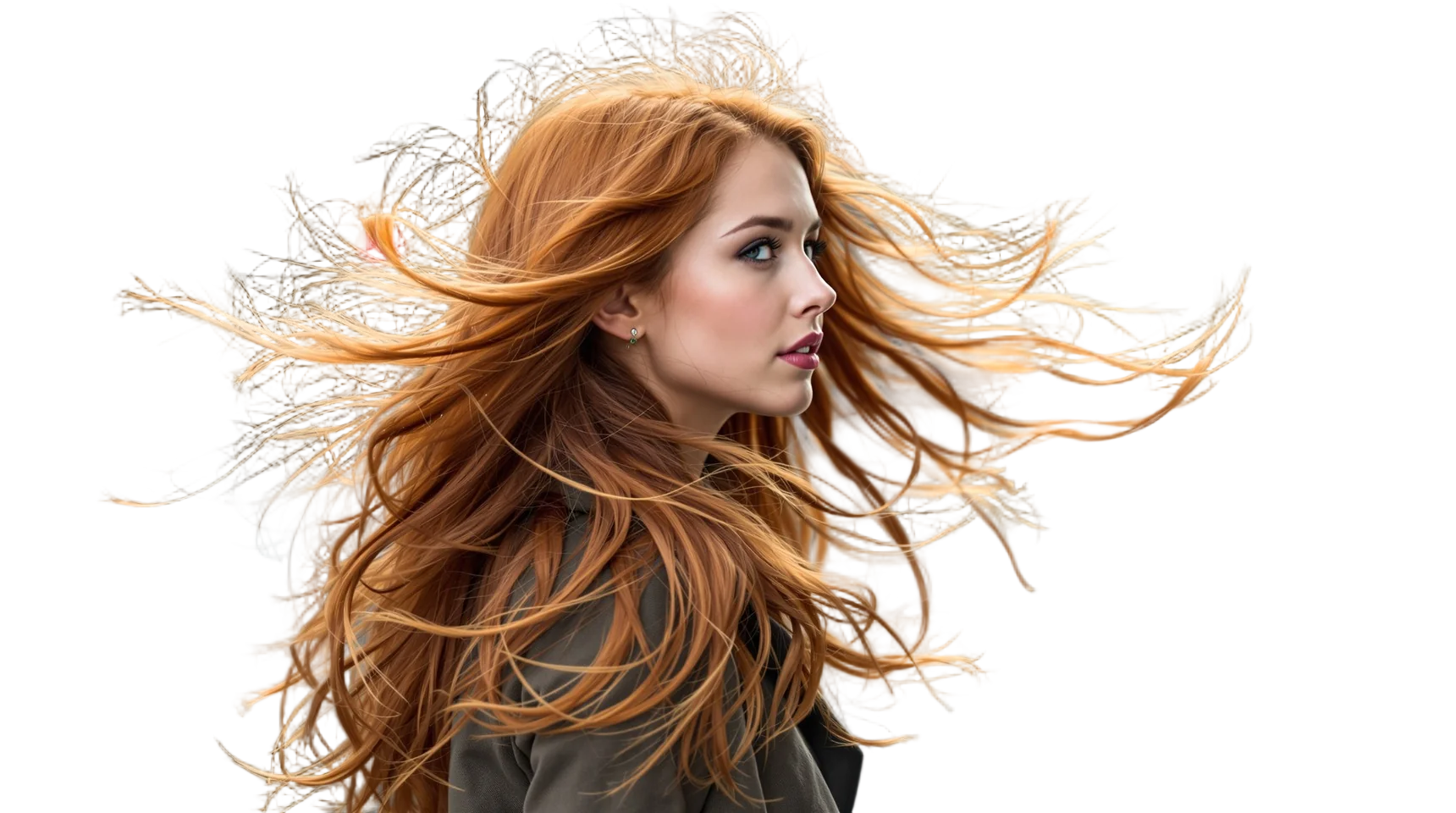
Why hair is the real test of a background remover
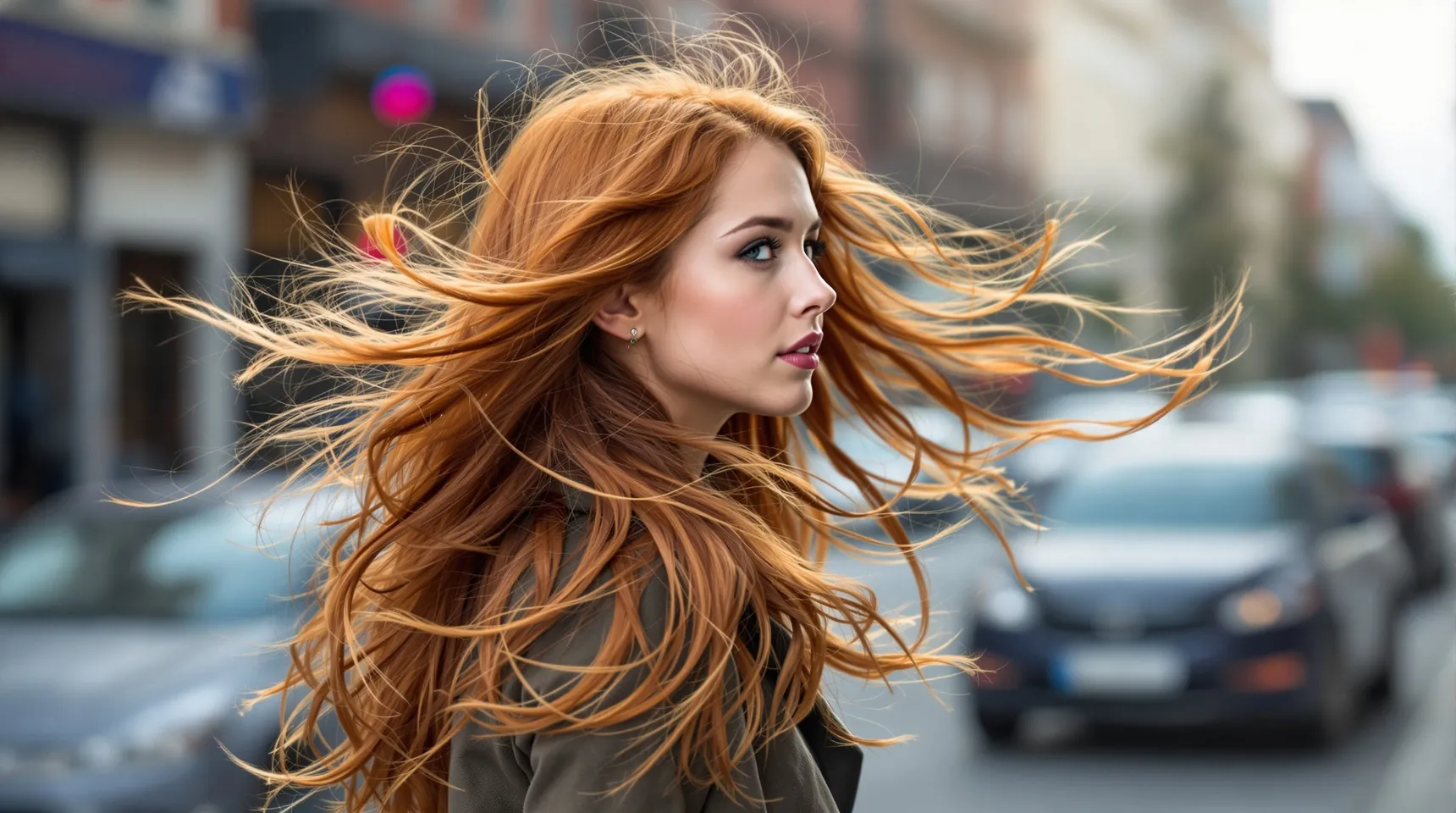
Most of a photo has an edge somewhere definite: an arm, a jacket, a chair. Hair doesn’t. The outer strands are thinner than a pixel, partly see-through and mixed with whatever is behind them, so the right answer for those pixels is a bit of both.
Simple cut-out tools treat every pixel as either kept or removed. On hair that gives one of two bad results: a smooth, solid outline that looks like a wig, or a halo of the old background around the head.
iLoveRemoveBG uses BiRefNet, an open-source model built for fine detail. It works out how much of each edge pixel belongs to the person, so loose strands stay soft and partly see-through. It also corrects the colour those strands picked up from the old background, which is what usually causes a visible fringe.
How to cut out hair cleanly
- Upload your sharpest version of the photo. Every bit of blur or compression makes strands harder to separate.
- When the result appears, choose the black background, then white. If there’s a fringe, it shows on one of them.
- Compare with the Original tab around flyaways and curls.
- Download the PNG at full size, up to 4096 pixels on the long side.
Tips for halo-free hair
- Shoot against a background that contrasts with the hair: dark hair against a light wall, blond hair against a darker one.
- Avoid strong backlight. The sun behind a head lights up the strands and blends them into a bright sky.
- When you can, choose a new background close in brightness to the old one. Light hair on a light background hides any leftover fringe.
- Very loose strands far from the head may fade out. That’s expected: they’re only a pixel or two wide.
Frequently asked questions
Will it keep curly hair?
Yes. In our own tests it kept tight curls and loose ringlets well. Check the outer edge for small patches of the old background caught between curls.
Why is there a light outline around the hair?
That’s colour from the old background mixed into the finest strands. It shows most when the new background is much darker or lighter than the old one, so pick one close in brightness if you can.
Does it work for beards and fur?
Yes. Beards, eyebrows and animal fur are handled the same way as hair.
Which model does iLoveRemoveBG use?
BiRefNet, an open-source background removal model, in its large “General Use (Heavy)” version.