Why clothing photos look better cut out
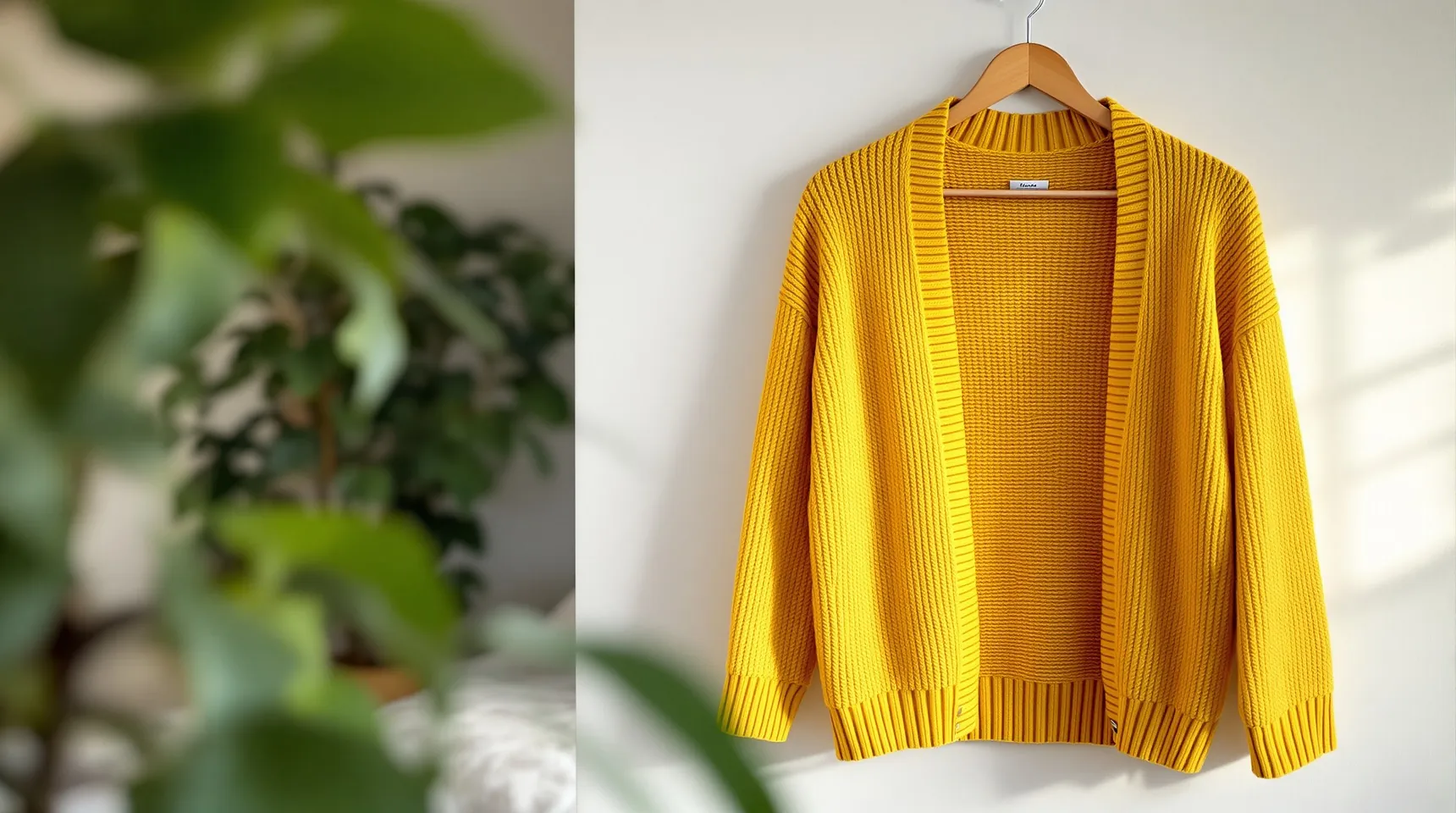
Clothes get photographed wherever there’s space: on a door, on the bed, on a rail in the hallway. The garment is right, but the room around it makes the listing look less professional than the piece is.
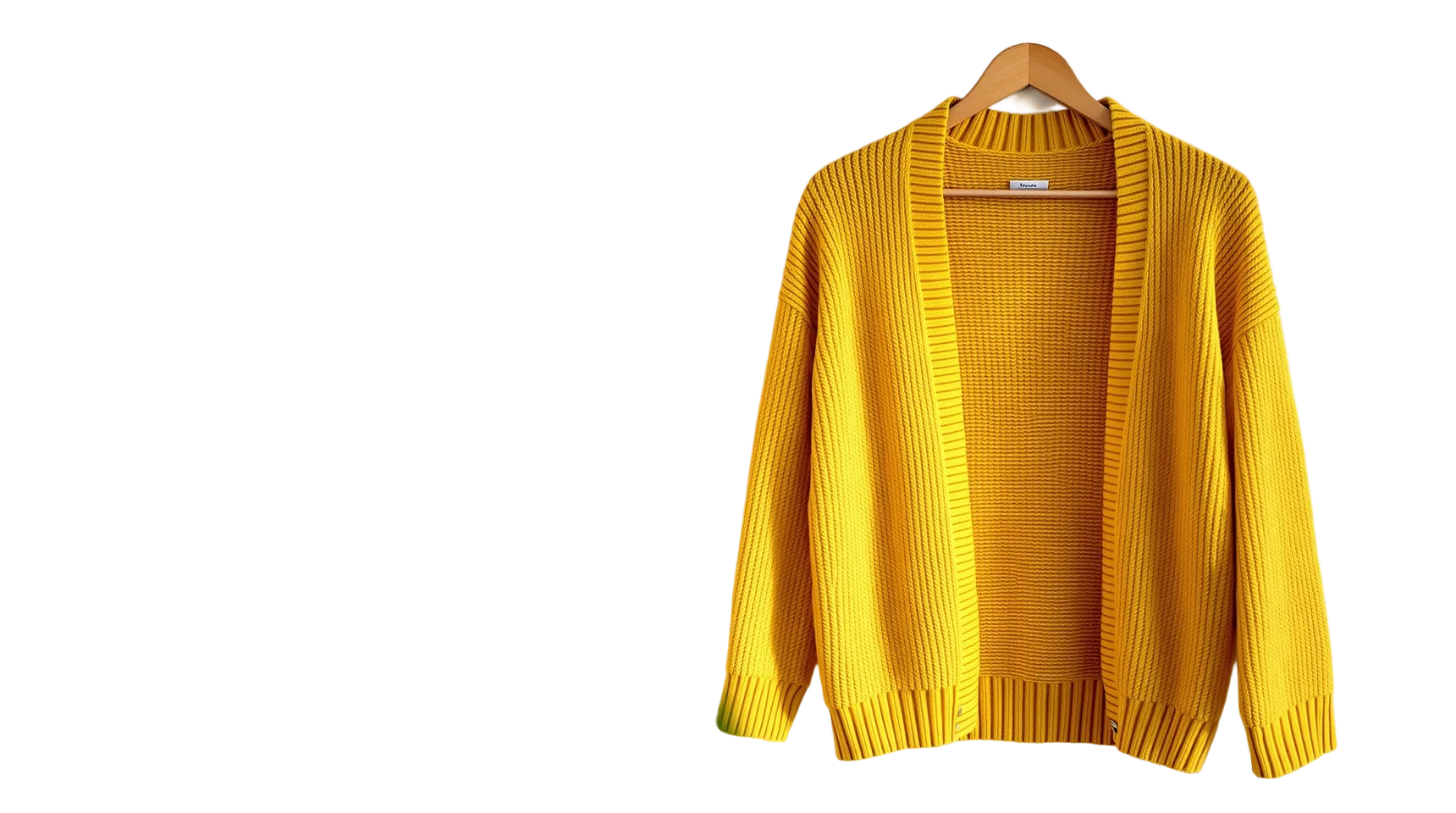
On a plain background, buyers see the cut, the colour and the texture. A row of garments on the same colour also looks like a shop rather than a wardrobe.
Knitwear, fringing, lace and the gap between an arm and the body are the details to watch. When those gaps show the wall behind, they’re cleared along with the rest of the background.
Colour accuracy matters more for clothes than almost anything else, because buyers return items that look different in person. Removing the background doesn’t change the garment’s colours, so shoot in daylight and check the photo against the real piece before you cut it out.
How to cut out a garment
- Hang the garment or lay it flat so its whole outline is in the photo, then upload it.
- Check the sleeves, the hem and any gaps where the wall showed through.
- Choose white or light grey for a shop, or a soft colour that suits the piece.
- Download the PNG. If you sell on a marketplace, read its rules on hangers and mannequins, as some prefer the garment shown on its own.
Tips for garment photos
- Steam or iron the piece first. Creases look worse on a plain background, because there’s nothing else to look at.
- A hanger is usually kept as part of the subject. If you don’t want it, lay the garment flat instead.
- Pick a backdrop that differs from the garment, so a white shirt isn’t shot against a white door.
- Photograph details like a label or a button separately. They don’t need cutting out.
Frequently asked questions
Will it remove the hanger?
Usually not. The hanger touches the garment, so it’s treated as part of the subject. Lay the item flat if you want only the clothes.
Does it work on flat-lay photos?
Yes. A garment laid on the floor or a bed works well, as long as the surface is a different colour from the garment.
Can it cut clothes out of a photo of someone wearing them?
It keeps the person and the clothes together. Removing the person and keeping only the clothes isn’t something it can do.
Can I put the clothes on a white background?
Yes. Choose White before you download and the PNG comes with a pure white background.